From phone photo
to showpiece.
Remove the background. Set the scene. Make it yours.
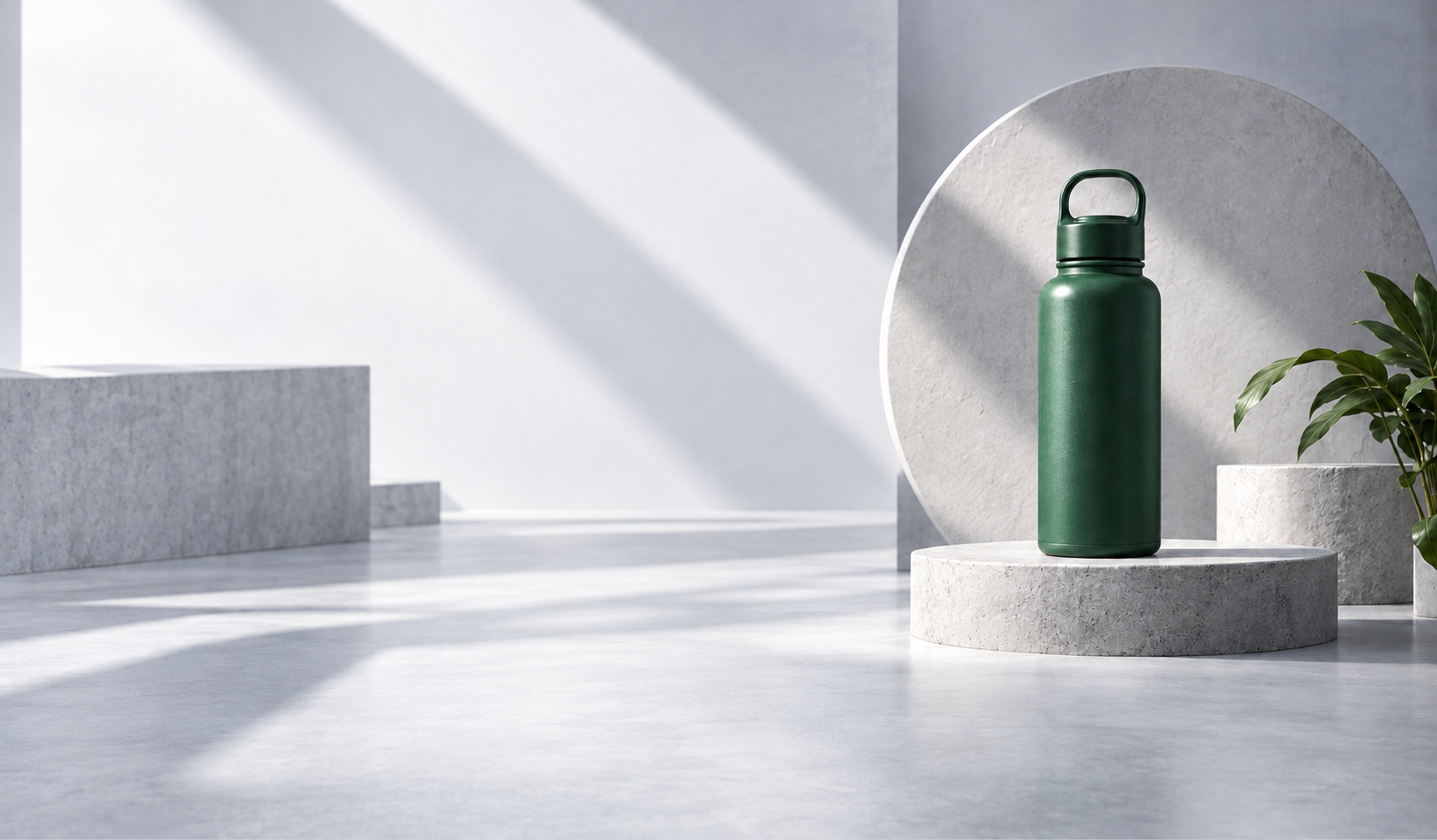
Remove the background. Set the scene. Make it yours.
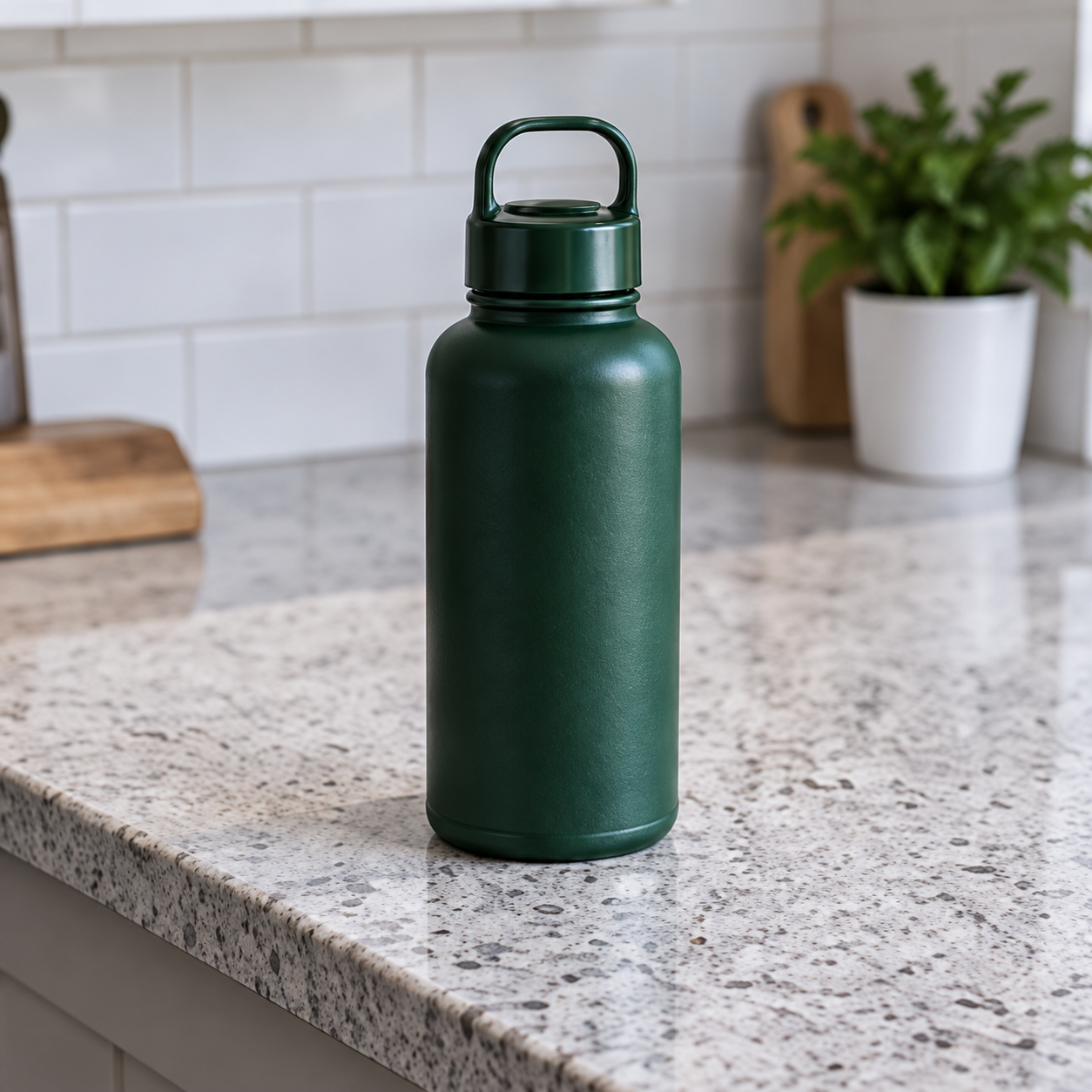
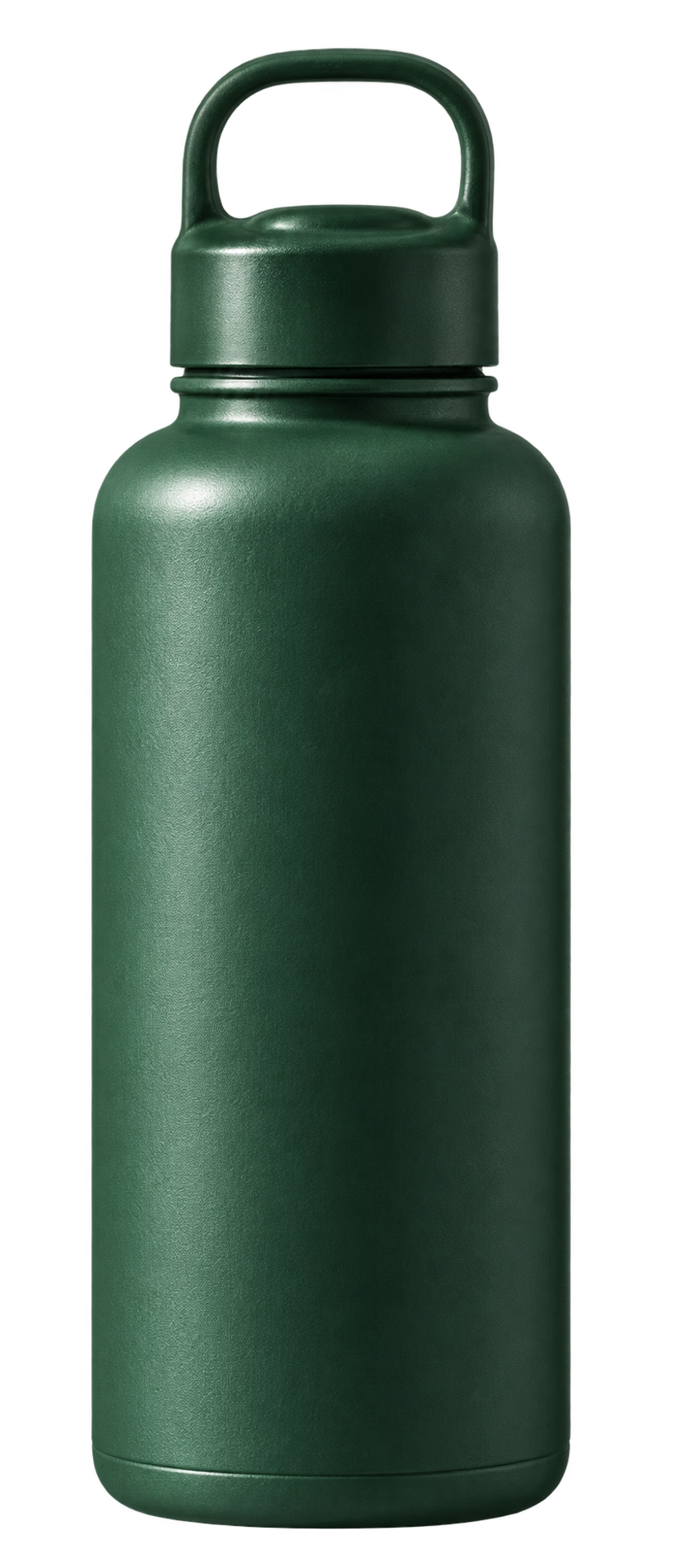
New scenes. New moods.
All from one photo.
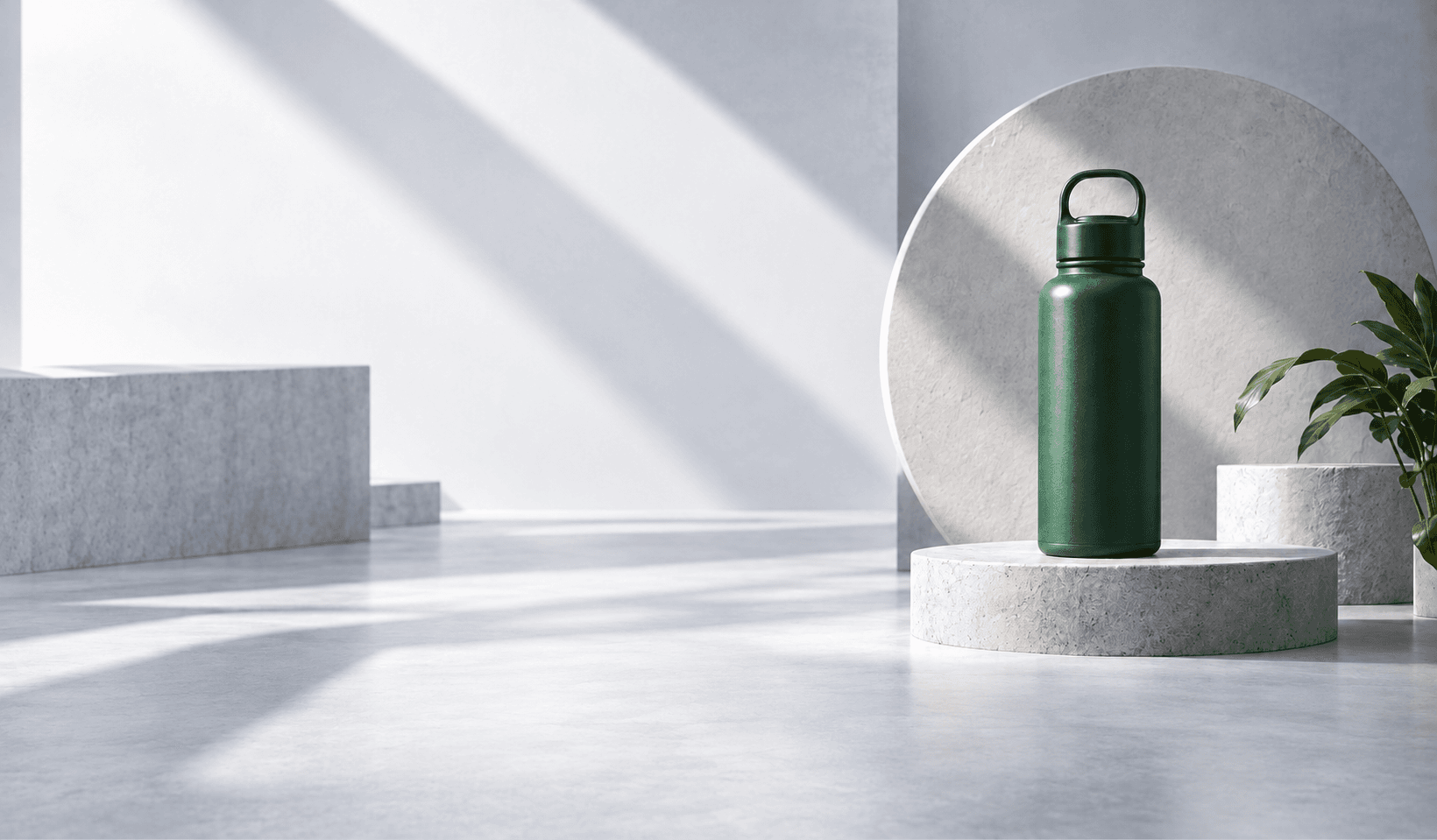
Sculpted light. Clean backgrounds.
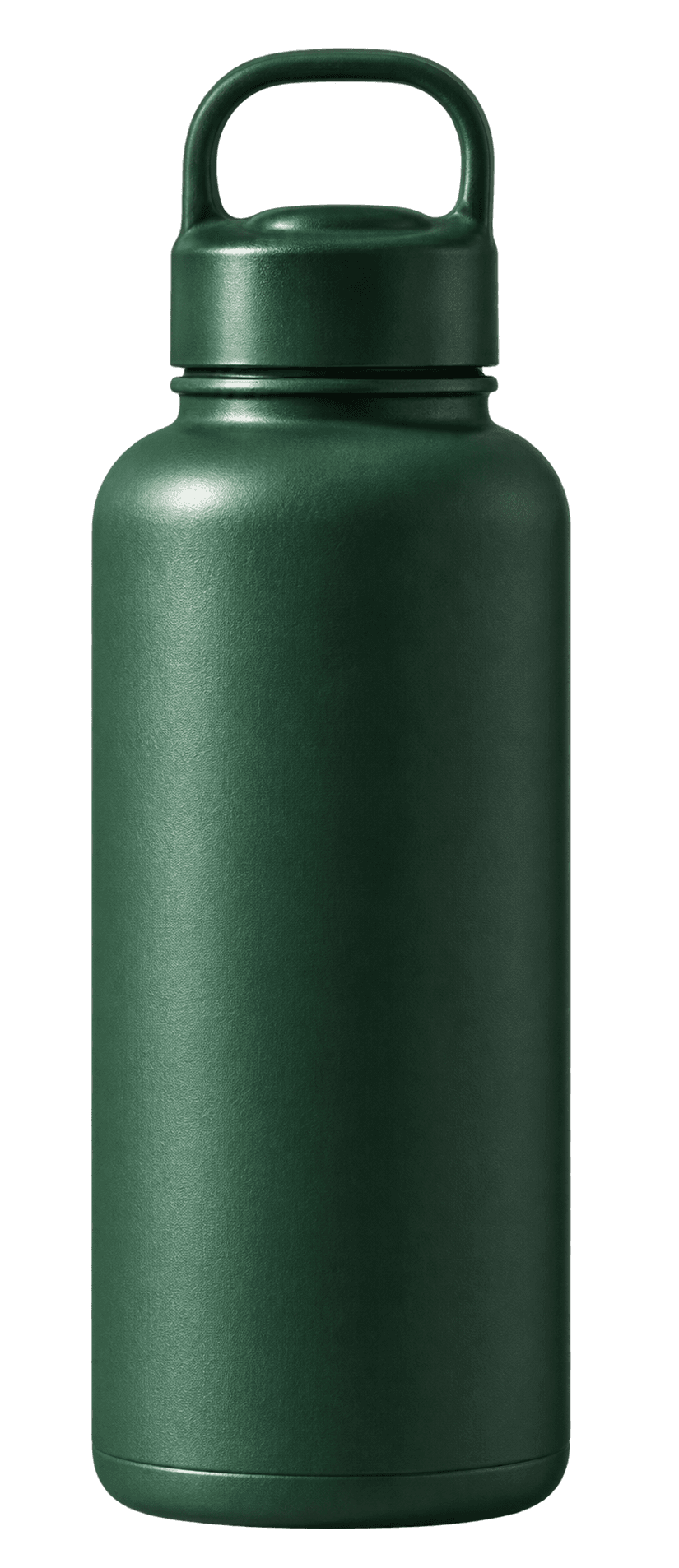
Find the shade that feels like you.
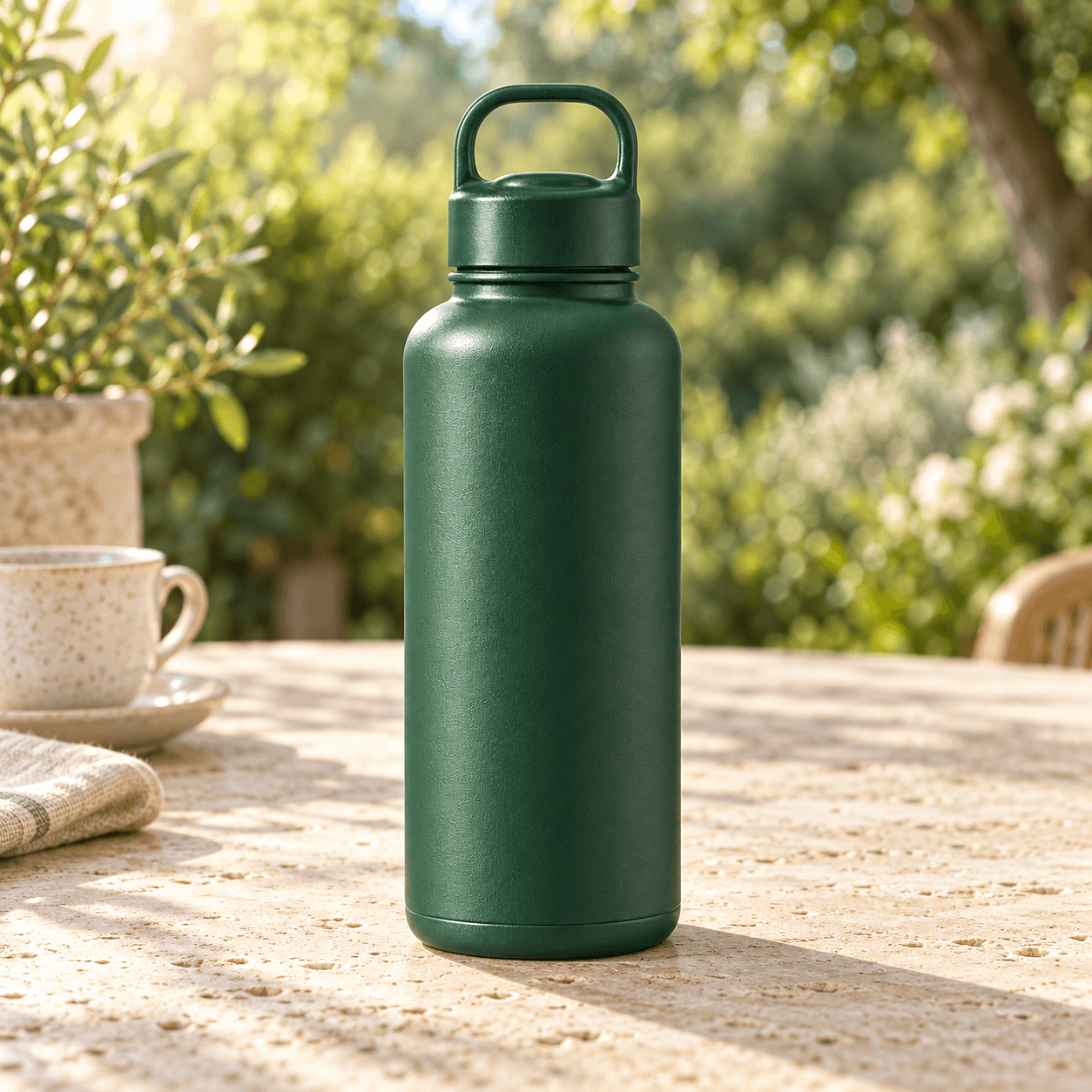
Give your product a place to belong.
Illustrative scenes. Create your own with a product photo and a creative brief.
A phone photo is a starting point. Turn it into a clean product shot, a colorful campaign, or a scene that tells your story.
Step into the studioUpload a photo of your product. A simple phone shot is all you need to get started.
Remove the background. Choose a color, add set pieces, or describe a lifestyle scene.
Compare your images, pick your favorite, and download the look that fits.
Use a clear photo with the whole product in frame. Even lighting and a simple background give you a useful starting point. The studio accepts JPG, PNG, WebP, AVIF, and HEIC files up to 20 MB.
Yes. Explore studio, solid-color, and lifestyle directions. The dashboard lets you choose colors, describe set pieces and the setting you have in mind.
Sign in with an approved Google account to use the private studio. Generate, refine, and download your images as PNG, JPEG, or WebP. Review product details and label text before publishing, and download images before leaving your session.